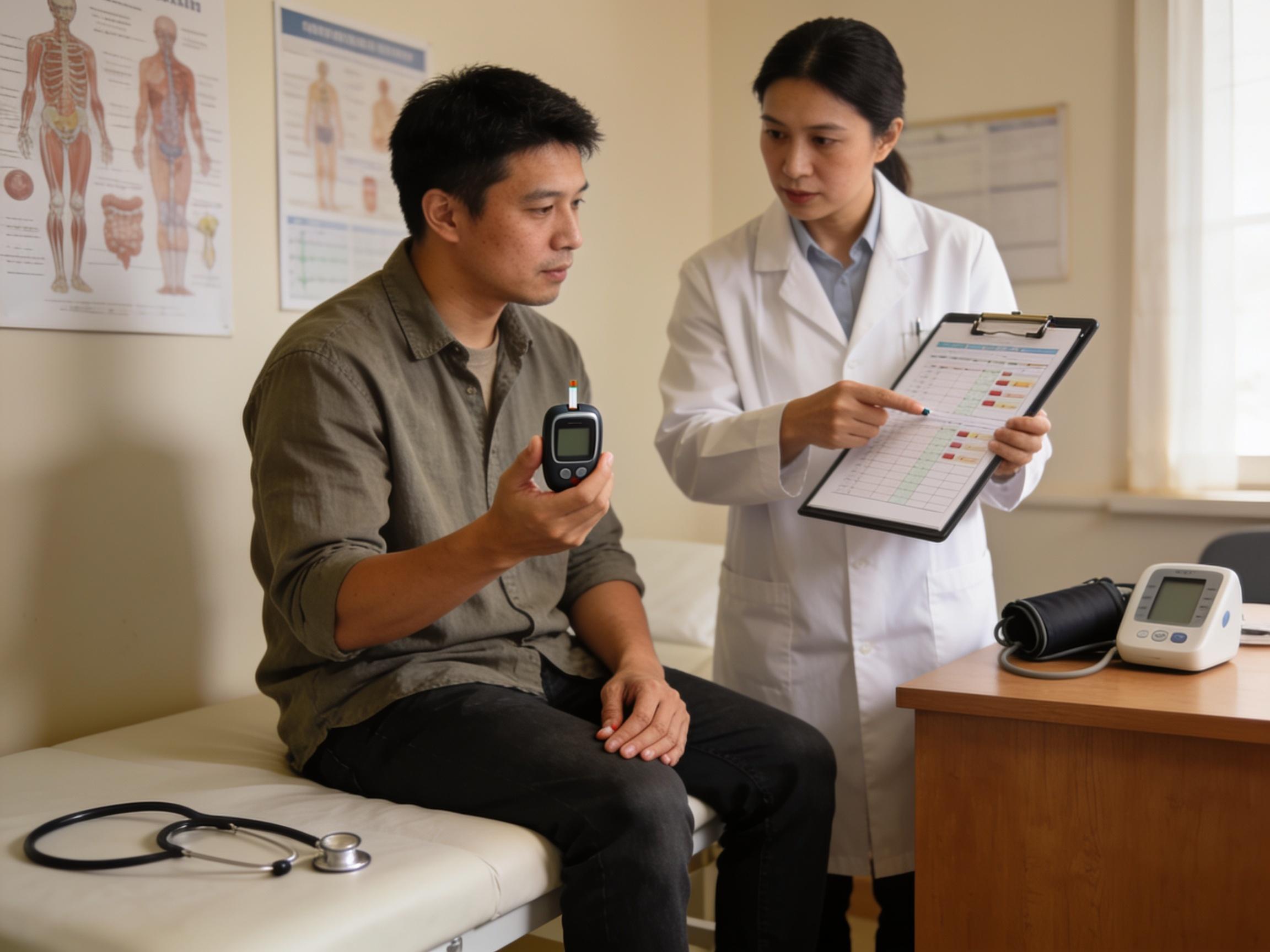
Curious to explore glucose smartwatches? Learn which watches actually help you see glucose in real time. Find out what they cost, where to buy them, and how to score the best deals.
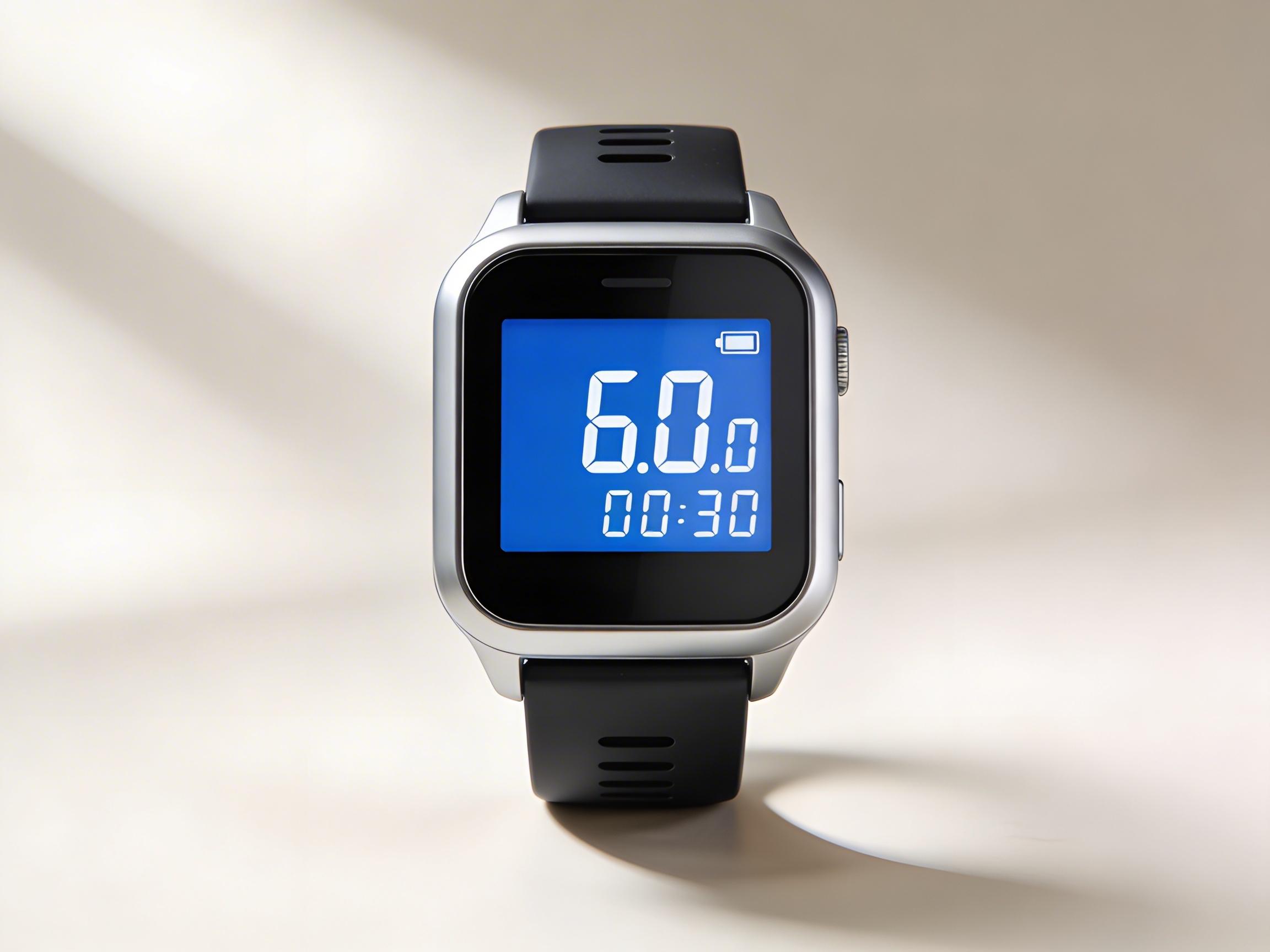
What are glucose smartwatches?
Glucose smartwatches are wearables that show your blood glucose readings on your wrist. Today, most mainstream watches do not measure glucose by themselves. Instead, they display data sent from a medical-grade continuous glucose monitoring (CGM) sensor you wear on your arm or abdomen. That means a smartwatch becomes a convenient “second screen” for your glucose, vibrates for highs and lows, and puts trends one glance away—especially useful during workouts, driving, or sleep.
To understand the landscape and limitations, it helps to start with a trusted overview. See this practical primer: Healthline’s look at wrist-based diabetes tech. For a broader perspective on how wearables are reshaping glucose tracking and more, skim this explainer on wearables beyond fingersticks.
How do glucose smartwatches work?
A CGM uses a tiny filament under the skin to measure interstitial glucose every few minutes. The sensor transmits data by Bluetooth to a phone app or receiver, and many systems mirror that data to compatible smartwatches. With systems such as Dexcom G7, you can see current glucose, direction arrows, and customizable alerts directly on your Apple Watch or select Wear OS watches.
For exact compatibility and setup steps, review Dexcom’s CGM-and-smartwatch explainer. It covers Apple Watch and Wear OS requirements, notification settings, and watch face complications. If you prefer a quick visual overview, here’s a short roundup video you may find helpful: an informative guide to smartwatches for glucose tracking.
Important safety note: As of now, no major consumer smartwatch directly and noninvasively measures glucose with medical accuracy. The FDA has cautioned consumers about watches or bands that claim to “read blood sugar” without a CGM sensor. For context on regulatory concerns, see this coverage of an FDA warning about blood-sugar smartwatch claims.
Where to buy glucose-friendly smartwatches in the US
You can find compatible smartwatches at:
- Brand stores: Apple Store (online and retail), Samsung.com, Google Store, Garmin.com.
- Big-box retailers: Best Buy, Walmart, Target.
- Online marketplaces: Amazon (watch for authorized listings with full warranties).
- Carrier stores: AT&T, Verizon, T‑Mobile often carry LTE versions of Apple Watch and Wear OS devices.
- Warehouse clubs: Costco and Sam’s Club sometimes bundle extra bands or extended warranties.
For the CGM itself, your options differ:
- Prescription CGMs: Dexcom G7 and Abbott FreeStyle Libre 3 are typically filled via pharmacies or durable medical equipment suppliers, often billed through insurance.
- Cash-pay options: Many US pharmacies offer retail pricing if you choose to pay out of pocket. Manufacturer savings cards may reduce monthly costs for eligible users.
Best deals on glucose smartwatches
You can trim costs with a few tactics:
- Trade-in credits: Apple, Samsung, and Google offer credits for older devices, lowering your net price on a new watch.
- Seasonal sales: Prime Day, Black Friday/Cyber Monday, and back-to-school windows regularly drop prices $50–$200 on popular models.
- Open-box/renewed: Best Buy Open-Box and certified refurbished programs can save 10–25% with a valid warranty.
- Carrier promos: Cellular models sometimes come with bill credits or bundle discounts when you add a line.
- HSA/FSA: While the smartwatch itself usually isn’t eligible, CGM supplies often are. Check your plan documents.
- Manufacturer programs: Look for student, educator, or military discounts on brand sites.
How much do glucose smartwatches cost?
In the US, mainstream smartwatch prices generally run:
- Entry: $200–$300 (Apple Watch SE, older Samsung models).
- Midrange: $300–$500 (Apple Watch Series 9, Samsung Galaxy Watch6, Google Pixel Watch 2, Garmin Venu 3).
- Premium: $700–$900 (Apple Watch Ultra 2 and specialty multisport watches).
CGM costs depend on insurance and pharmacy pricing. Many insured users pay between $0 and $75 per month for Dexcom G7 or Libre 3 after benefits; typical cash-pay can range roughly $75–$200 per 30 days depending on brand, location, and coupons. Always confirm with your pharmacy and insurer.
For a deeper dive on how smartwatch integration works with a leading CGM, see Dexcom’s smartwatch guidance and this plain-language overview from Healthline.
Recommended models and CGM options
If your priority is seamless glucose visibility:
- Apple Watch Series 9 or Ultra 2: Deep iPhone integration, broad app ecosystem, and excellent complications for CGM readouts.
- Google Pixel Watch 2: Clean Wear OS experience with robust notification handling; supports CGM apps and tiles.
- Samsung Galaxy Watch6/Classic: Popular Wear OS hardware with smooth performance and good battery life.
- Garmin Venu 3: Great fitness suite; CGM views typically rely on the phone bridge and supported data fields.
- CGMs: Dexcom G7 provides highly polished watch integrations; Libre 3 can surface readings via compatible apps and complications on popular platforms.
Side-by-side pricing snapshot
| Device / Product (US) | Typical Price (USD) | Notes (CGM Compatibility / Highlights) |
|---|---|---|
| Apple Watch SE (2nd gen) | $249–$279 | Budget-friendly; works with CGM apps on iPhone |
| Apple Watch Series 9 | ~$399 | Excellent complications and alerts for CGM |
| Apple Watch Ultra 2 | ~$799 | Premium build, long battery, robust outdoor features |
| Samsung Galaxy Watch6 | ~$299 | Wear OS; strong Android integration for CGM apps |
| Galaxy Watch6 Classic | ~$399 | Rotating bezel; durable design, solid battery life |
| Google Pixel Watch 2 | ~$349 | Clean Wear OS experience; CGM alerts on-wrist |
| Garmin Venu 3 | ~$449 | Fitness-first; CGM viewing typically via phone bridge |
| Dexcom G7 Sensors (30 days) | ~$120–$200 cash; $0–$75 w/ insurance | Strong watch integration; prescription required |
| FreeStyle Libre 3 Sensors (30 days) | ~$75–$140 cash; often lower w/ insurance | Compact sensor; app can relay data to watch |
Setup tips and buyer cautions
- Check compatibility first: Confirm your CGM app supports your phone OS and your watch model. Requirements can differ by brand and version.
- Enable complications and alerts: Add a CGM complication to your watch face and turn on high/low alerts so you never miss a trend shift.
- Optimize battery: Always-on display and frequent alerts can drain power; consider tailored alert thresholds and a sensible display timeout.
- Beware of non‑FDA claims: Avoid products that promise direct “blood sugar” readings without a CGM sensor. Review this report on an FDA warning about smartwatch glucose claims before buying.
- Consider lifestyle fit: Runners may favor a Garmin or Ultra 2; commuters might prefer longer battery life; iPhone users typically get the smoothest CGM experience with Apple Watch.
Where the tech is headed
Researchers are exploring optical and spectroscopy methods that could someday allow noninvasive glucose sensing from the wrist. Until such systems earn regulatory clearance and prove accuracy across skin tones, temperatures, and activity levels, CGM-plus-smartwatch remains the gold standard for on‑wrist visibility. For balanced context on how wearables are evolving, see this overview on wearables and sensor innovation and Healthline’s guide to wrist diabetes tech.
Bottom line
If you want reliable glucose on your wrist in the US today, pair a reputable smartwatch with a prescription CGM. Start by verifying your phone/watch compatibility, price out both the watch and monthly sensors, and stack discounts like trade-ins and seasonal promos. For hands-on setup specifics, the official Dexcom smartwatch integration page is a great reference—then keep an eye on regulatory news to steer clear of gadgets that overpromise on “blood sugar” readings without proven medical sensors.