New entry-level roles are opening to people who can show simple, practical digital skills. You don’t need a computer science degree to get noticed—just real projects and the right tools. Build a small portfolio now and you could unlock a better paycheck by early 2026.
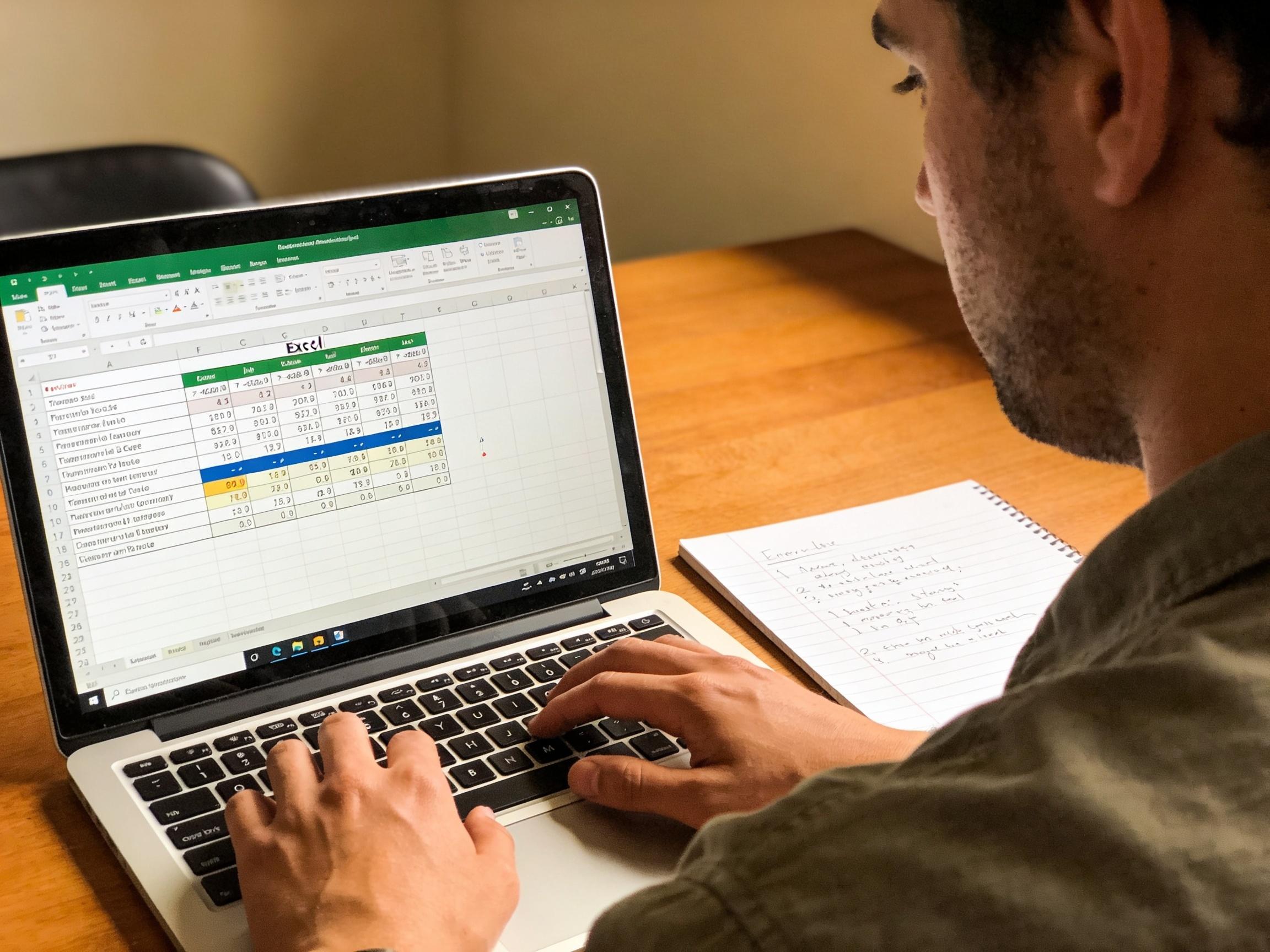
Why Basic Tech Skills Matter More Than Ever
Employers across the US increasingly expect every team member to be digitally fluent—whether you’re in customer service, operations, healthcare admin, or sales. Basic skills like spreadsheet analysis, AI-assisted writing, and no-code workflow automation help teams do more with less, which is why they show up in so many job postings. If you can clean data in a sheet, create a dashboard, or draft professional emails with AI and polish them yourself, you immediately stand out.
What’s different in 2026 is speed. AI and intuitive apps shrink the time between idea and output. A beginner can now produce a solid data summary, a professional slide deck, or a basic automated report in hours, not weeks. That velocity gives new talent a way to prove value fast, even without years of experience.
If you’re mapping your starting point, skim these curated explainers to see where your strengths align:
- The in-demand mix of IT and digital capabilities for 2026 is summarized in this Coursera guide on in-demand IT skills.
- For a wide-angle snapshot of skills rising next year, compare the shortlists in ApplyBuddy’s 2026 skills overview and this practical Simplilearn article on digital skills.
Easy Tools Beginners Are Learning Fast (AI, Excel & More)
The fastest path is to combine a few widely used tools and practice them on real, bite-sized problems. Aim for “showable” outputs: a spreadsheet model, a clean report, or a short automation that saves time.
- AI Assistants (content + data): Use AI to outline emails, summarize policies, draft job descriptions, or convert bullet points into polished paragraphs. For data, ask AI to suggest spreadsheet formulas, create pivot steps, or generate regex for cleanups—then verify and edit.
- Excel or Google Sheets: Master filters, conditional formatting, VLOOKUP/XLOOKUP, pivot tables, and charts. Build a monthly KPI tracker, expense dashboard, or customer list cleanup to show employers you can turn raw data into insight.
- No-Code Automation (Zapier/Make): Connect forms, email, and sheets so repetitive tasks run themselves. For example, when a lead submits a form, auto-send a templated email and log details in a CRM or sheet.
- Canva or Google Slides: Create clean one-pagers, resumes, and slide decks. Clear design is a skill, and these tools make it immediate.
- CRM Basics (Salesforce/HubSpot): Learn leads, opportunities, and reporting. Free sandboxes and training paths make it beginner-friendly.
- Data Visualization (Power BI/Tableau Public): Build one public dashboard from a simple dataset (sales by region, support tickets by category). This is a standout portfolio piece.
- SQL Fundamentals: A dozen queries (SELECT, WHERE, JOIN, GROUP BY) elevate you from “spreadsheet-only” to “data-capable.”
For a structured checklist of foundation skills, you can browse the breakdowns from Simplified IT Institute’s full guide to essential digital skills and compare with the priorities called out in ApplyBuddy’s 2026 skills list.
How to Build Job-Ready Skills Without a Tech Degree
Your edge is proof, not pedigree. Build tiny, real projects that match entry-level job tasks, and publish them where hiring managers can see them.
- Pick a role to target: Operations assistant, marketing coordinator, customer support analyst, HR coordinator, or entry-level data analyst are all realistic on-ramps for beginners in 2026.
- Create a 30–60–90 skill sprint:
- Days 1–30: Excel/Sheets basics; one AI-assisted writing sample; one data cleanup project.
- Days 31–60: Add a pivot dashboard; one no-code automation; a professional resume redesign in Canva.
- Days 61–90: Learn beginner SQL; publish a public BI dashboard; mock an SOP (standard operating procedure) for a routine task.
- Build a tiny portfolio: Host on Google Drive (view-only), Notion, or GitHub Pages. Include a 3–5 sentence “what this shows” note for each project.
- Earn one lightweight credential: Consider CompTIA ITF+ for broad fundamentals, a beginner Google Career Certificate, or Microsoft Excel Associate. One credential plus projects beats multiple certificates with no samples.
- Practice with real data: Use public datasets (city budgets, open census data) to create dashboards meaningful to employers in Columbus.
- Apply with proof-first resumes: Translate tasks into outcomes: “Automated lead intake to reduce manual entry by 2 hours/week.”
Explore more step-by-step skill maps and beginner pathways in this concise overview of 10 key digital skills and a student-friendly roundup of skills that help students become employable. For roles that blend IT and business, see the breakdown from Coursera’s in-demand IT skills guide.
US Beginner-Friendly Learning Options and Sample Prices (2026)
| Provider | Plan/Certificate | Approx. US Price |
|---|---|---|
| Coursera Plus | All-access monthly | $59/month |
| Google Career Certificates (via Coursera) | Per-certificate subscription | $49/month |
| LinkedIn Learning | Monthly plan | $39.99/month |
| Udemy | Individual beginner courses | $11.99–$24.99 typical sale price each |
| Codecademy Pro | Monthly plan | $39.99/month |
| DataCamp | Standard monthly | $39/month |
| Skillshare | Monthly plan | ~$32/month |
| CompTIA ITF+ (FC0-U61) Exam Voucher | One-time certification exam | $138 |
| Microsoft Excel Associate (MO-200) Voucher | One-time certification exam | $100–$120 |
Note: Prices are commonly advertised US rates as of 2025–2026 and can change. Watch for annual billing discounts and frequent course sales.
Entry-Level Roles You Can Target in 2026
- Operations Assistant: Spreadsheet tracking, light automation, SOP writing, vendor list cleanups.
- Marketing Coordinator: Email drafts with AI, social post calendars, simple Canva graphics, UTM tagging.
- Customer Support Analyst: Ticket categorization, KPI dashboards, FAQ updates, CRM hygiene.
- Sales Development Rep (SDR): Lead lists, outreach templates, CRM updates, call logs and summary notes.
- HR/People Ops Assistant: Onboarding checklists, survey summaries, policy document formatting.
- Junior Data Analyst: Data cleaning, descriptive stats, one-page dashboards, SQL queries.
Your 90-Day Action Plan to Get Interviews
- Week 1: Choose role + 3 sample tasks you’ll reproduce (e.g., KPI dashboard, email template pack, intake automation).
- Weeks 2–4: Build two showpieces (Excel dashboard + AI-edited business doc). Share them in a simple Notion/Google Site portfolio.
- Weeks 5–8: Add one automation (Zapier/Make) and one data viz (Power BI/Tableau Public). Ask a mentor or peer for critique.
- Weeks 9–12: Sit one beginner credential (ITF+ or Excel Associate), polish resume with results, and apply to 10–15 roles/week.
Pro Tips to Accelerate Results
- Practice on real workflows: Volunteer for a local nonprofit or small business; document time saved.
- Use AI as a coach, not a crutch: Ask for checklists, test cases, and formula explanations—then verify independently.
- Quantify everything: “Consolidated weekly reports; cut manual updates by 90 minutes/week.”
- Network with purpose: Message 3 professionals/week with a one-paragraph note + relevant project screenshot.
- Iterate your portfolio: Replace early work with cleaner, more business-relevant examples every month.
If you want inspiration for what to tackle next, cross-check your plan against these curated roundups of beginner-friendly paths:
- Practical overviews of digital skills that move the needle in 2026: Simplilearn’s digital skills breakdown and Simplified IT Institute’s essential skills guide.
- IT-adjacent skill clusters growing across roles: Coursera’s overview of in-demand IT skills and ApplyBuddy’s 2026 tech skills list.
- Student-oriented fundamentals that still impress hiring managers: a compact list of employable digital skills.
Bottom line: By 2026, the best door-opener isn’t a degree—it’s a handful of clean, business-ready projects that prove you can use AI, spreadsheets, and no-code tools to deliver results. Start small this week, ship something visible next week, and keep stacking wins. Those beginner digital skills can change your job search—and your income trajectory—faster than you think.